
Work Order Priority Levels: Build a System Your Team Can Use
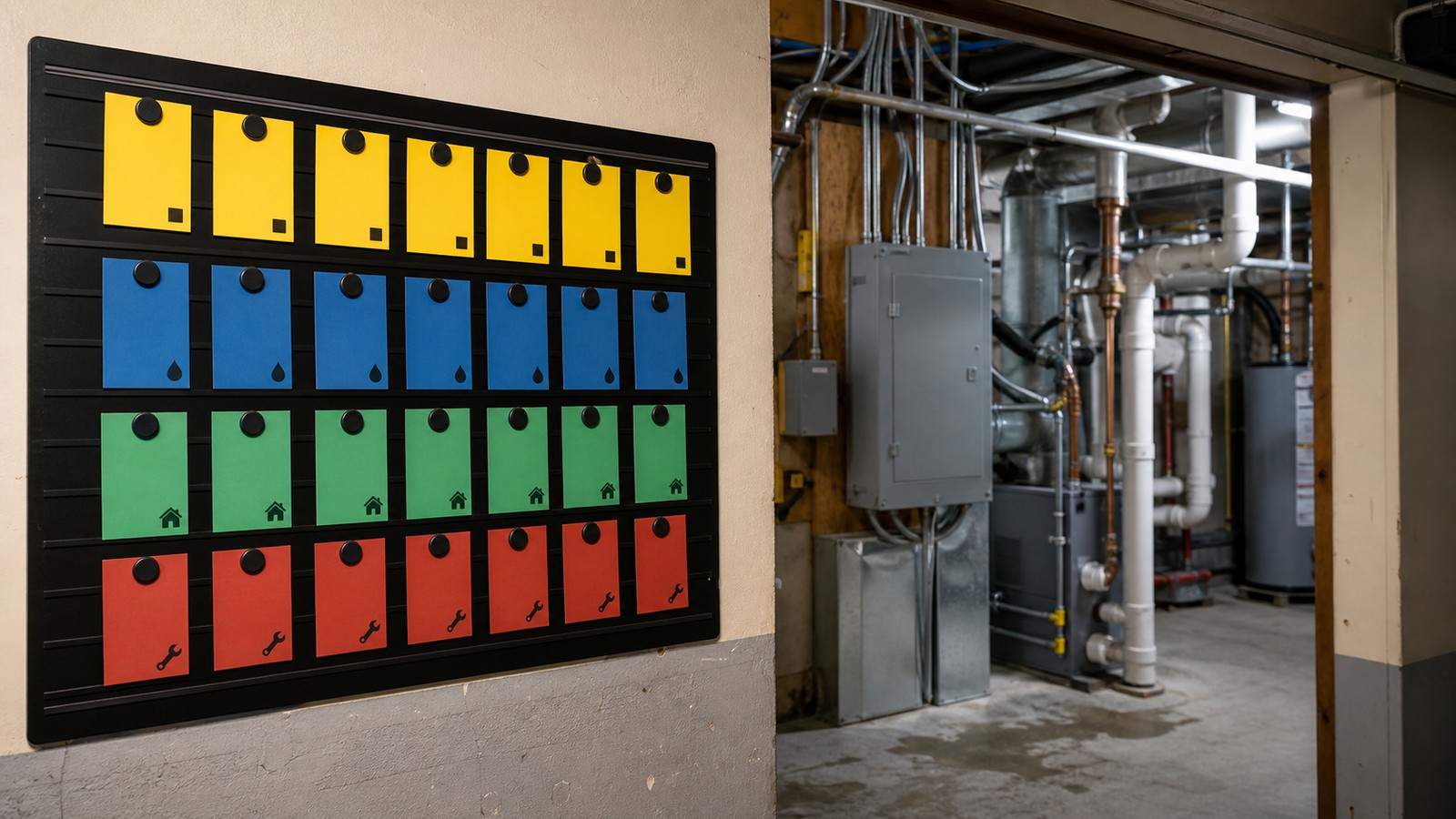
A severity-and-impact framework for classifying requests, setting response targets, assigning ownership, and documenting exceptions.
This article offers general educational information about work order prioritization, not legal, tax, financial, insurance, engineering, or other professional advice. Adapt the workflow to the property, approved company procedures, contracts, and applicable requirements.
Define the result before choosing the steps
The operating goal of the work order priority system is to identify immediate threats, give safe interim directions, dispatch the right help, and keep stakeholders informed.
Gather the minimum reliable intake
- Exact property and callback details.
- What is happening now.
- People or animals at immediate risk.
- Utilities, active damage, access, and steps already taken.
Mark unknown information as unknown and assign follow-up. Do not fill gaps with assumptions merely to complete a form. If a missing fact changes safety, authorization, cost, access, or compliance, the procedure should stop or escalate until the responsible person reviews it.
A step-by-step work order priority system process
1. Start with life safety
If the report indicates immediate danger, direct the caller to appropriate emergency services and a safe location according to approved procedures.
2. Locate the incident
Confirm the property, unit, affected area, caller, and reliable callback method before the connection is lost.
3. Clarify current conditions
Ask short factual questions about active water, smoke, loss of essential service, odors, sounds, visible damage, and spread.
4. Use approved interim instructions
Give only safe, preapproved directions within the caller's ability. Do not improvise technical repairs or ask someone to enter a hazardous area.
5. Assign a severity
Use a written matrix that considers immediate harm, habitability concerns, secondary damage, vulnerable occupants, and whether conditions are worsening.
6. Dispatch and escalate
Select the appropriate responder, transmit the facts, define the update interval, and move to an alternate if acceptance is not confirmed.
7. Maintain a contact cadence
Provide realistic updates even when there is no new arrival time. Record each contact and avoid conflicting messages from multiple staff members.
8. Review after stabilization
Document cause only when supported, create follow-up work, preserve invoices and photos, and examine response gaps.
See the decision path in context
For an active water report, the coordinator confirms the source area and spread, checks for immediate electrical or slip hazards, provides only approved safety directions, dispatches the correct responder, and schedules updates until the condition is stabilized.
Keep a record another team member can use
The record created by the work order priority system should explain the work without requiring access to one employee's memory or personal inbox. Use approved systems and access controls, collect only information the process needs, and connect related records rather than copying sensitive details into multiple places.
At minimum, consider capturing:
- Intake time and reporter.
- Observed or reported conditions.
- Safety direction given.
- Severity and decision basis.
- Dispatch acceptance and arrival updates.
- Stabilization, follow-up, and review.
Completion should be a defined state. A sent email, created task, dispatched vendor, or drafted document may be progress, but none automatically proves that the intended result occurred. State what evidence closes the item and what happens when the evidence is missing.
Use a simple quality-control review
When the process changes, note the effective date and update the checklist, templates, and training together. Avoid silently editing historical records to match the new approach. The history is useful evidence of what the team knew and did at the time.
Common mistakes to avoid
- Diagnosing from an incomplete phone description.
- Focusing on cost before immediate safety.
- Leaving dispatch unconfirmed.
- Sending multiple vendors without coordination.
- Closing after stabilization while permanent repair remains unassigned.
Related reading: A Leasing Agent’s Guide to Inspecting Scary, Dark Basements.
Conclusion
Use the work order priority system steps above to review one current file or open task this week. Identify the first missing handoff, assign an owner, and update the working checklist. Subscribe to Property Professional Blog for more practical ways to make day-to-day property operations clearer and easier to manage.